
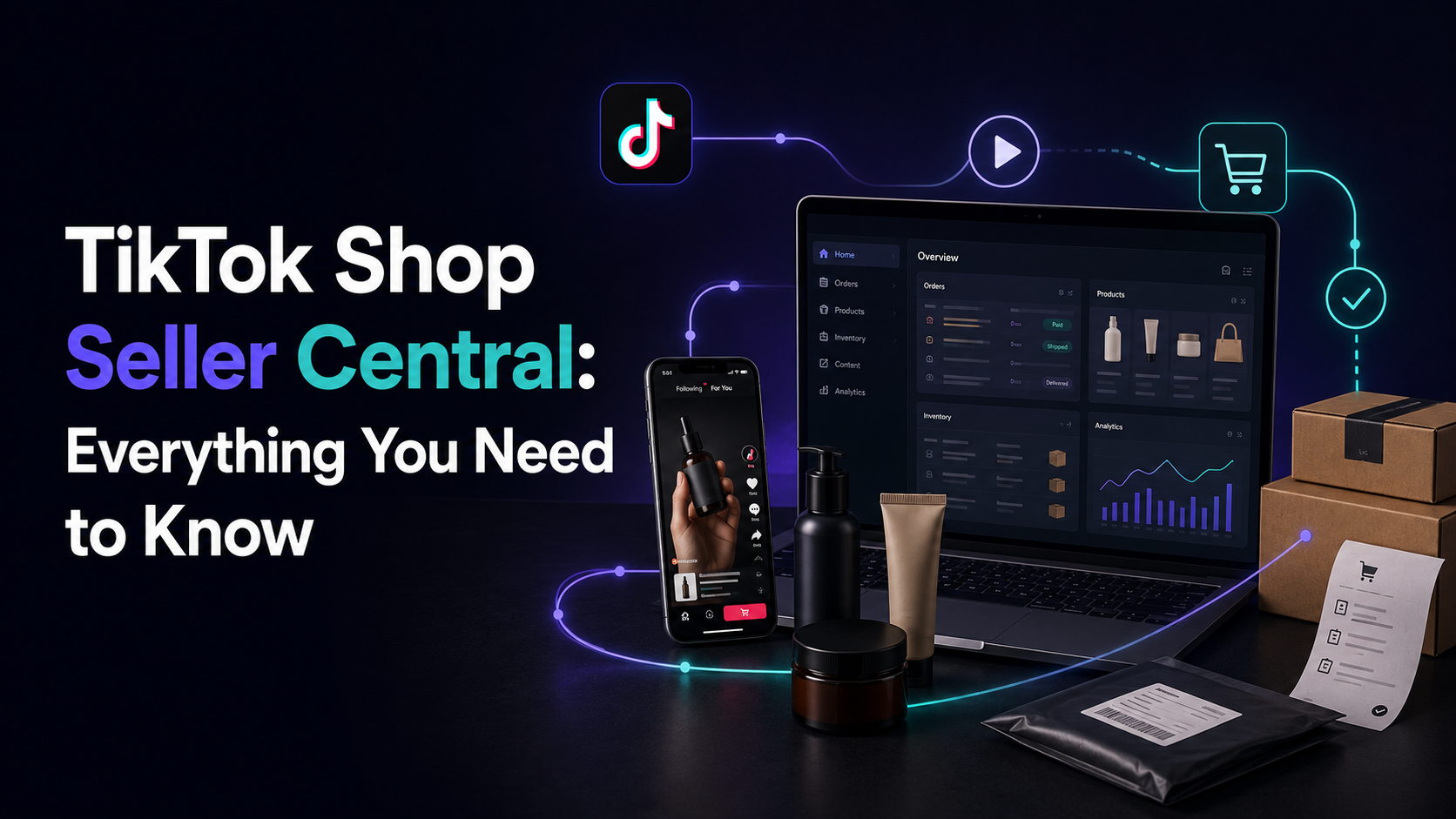
TikTok Shop Seller Center is where every real decision about selling on TikTok actually gets made — not in the app’s storefront, not in a viral video’s comment section, but in the dashboard where a seller registers a business, uploads a catalog, sets fulfillment, and watches whether a payout actually clears. Most of what gets called “TikTok Shop advice” online is really just LIVE Shopping hype. The Seller Center itself, and the rules it enforces, get skipped — and those rules are exactly what decide whether an account stays active past the first few weeks.
That gap matters because TikTok Shop isn’t a simple listing tool bolted onto a social app. It’s a full marketplace with its own eligibility screening, its own settlement schedule, its own fulfillment requirements, and its own enforcement system — closer in structure to Amazon Seller Central than to a Shopify storefront. Treating it like “just another sales channel” without reading the actual rulebook is how sellers end up with frozen payouts or suspended listings during their best sales week.
What TikTok Shop Seller Center actually is
Seller Center is the backend dashboard — separate from the TikTok creator app — where a business manages every operational piece of selling on TikTok Shop: product catalog, inventory sync, order fulfillment, advertising, analytics, and the Affiliate Marketplace that connects products to creators. Everything a shopper sees inside the app — a product card under a video, a shoppable LIVE stream, the in-app checkout — is generated from data a seller configures in this dashboard first.
It’s worth separating from day one: TikTok Shop is the marketplace and checkout system, Seller Center is the management console, and the Affiliate Marketplace and Creator collaborations are a layer on top of both. Sellers who only think about the third piece — getting creators to post — without setting up the first two correctly end up with viral traffic hitting a listing that’s out of stock, mispriced, or not eligible to convert.
Eligibility and registration: what actually gets checked
Registration splits into two paths, and the documentation required is different for each. According to TikTok’s own onboarding guidance, an individual seller needs a government-issued photo ID, a matching bank account, a completed W-9, proof of address, and a Social Security Number or ITIN. A business seller instead provides business registration documents, a business tax ID (EIN), and a business bank account that matches the registered entity name exactly — a mismatch between the legal business name on file and the bank account name is one of the more common reasons an application stalls.
Approval typically takes a few business days once documents are submitted, though it can run longer if anything doesn’t match cleanly. Two details catch sellers off guard after approval, not before:
- A visible business address is required on every Product Detail Page. This isn’t optional or hidden in fine print — U.S. marketplace regulation requires it, and TikTok Shop enforces it the same way Amazon does.
- Category eligibility is checked separately from account eligibility. Being an approved seller doesn’t mean every category is open. Restricted categories — supplements, cosmetics, anything electronic or battery-powered — require their own approval before a listing in that category can go live.
The compliance layer most sellers skip until it’s a problem
TikTok’s Prohibited Products Policy is published in full inside Seller Center, and it covers more ground than most sellers expect before reading it: counterfeit goods and anything infringing intellectual property, regulated items like alcohol, tobacco, and firearms, unqualified jewelry lacking proper compliance stamps or Kimberley Process certification for diamonds, and health-related products making claims that aren’t backed by regulatory approval. None of this requires bad intent to violate — a supplement listing that repeats a customer testimonial about a health outcome, without meaning to make a medical claim, can still get flagged.
Reviews carry their own risk. Anything that trades money, discounts, or free product for a review — even indirectly through a “review service,” even just asking only happy customers to leave feedback while ignoring the rest — crosses into manipulation territory that TikTok, like every major marketplace, actively polices because it corrupts the ranking signals the algorithm depends on.
A listing that violates policy doesn’t get a warning email first. It gets suppressed, and the seller finds out from a dashboard notification or a sudden drop in orders — not from a heads-up. Reading the rulebook before publishing is cheaper than finding it after a suspension.
Fees: referral commission, processing, and where the math actually lands
TikTok Shop charges a referral commission per order, calculated on the item price before tax and shipping. Rates vary by category — most sit in the 6-9% range, with a handful of categories like certain jewelry running lower, closer to 5%. On top of the referral fee, a separate payment processing fee of roughly 2% applies to every transaction. If an order is cancelled or refunded, the referral commission is returned since the sale didn’t actually hold — but the processing fee’s treatment can vary, which is worth confirming against current terms before pricing a product down to the margin.
The category-by-category variance is exactly why pricing a product without checking its specific commission rate first is a common source of thinner-than-expected margins — a seller who prices based on a generic “TikTok takes about 6%” assumption can be off by several points once the actual category rate applies. Running the numbers against a resource like Printify’s category-by-category TikTok Shop fee breakdown before finalizing pricing is a fast way to catch that gap before it eats into margin on launch day.
Fulfillment: what changed in 2026 and why it matters now
Sellers choose between Fulfilled by TikTok (FBT), where inventory sits in TikTok’s own warehouses and TikTok handles picking, packing, shipping, and returns, and Seller Shipping, where the seller ships directly using their own labels and carriers. Both paths saw real changes this year. As of January 2026, USPS shipping labels for TikTok Shop orders have to be purchased through TikTok’s own shipping system — a label pulled from Shopify, ShipStation, or a personal USPS account no longer works for USPS specifically, even under Seller Shipping. Sellers fulfilling TikTok Shop orders through an Amazon or Walmart fulfillment network still select Seller Shipping as their method, since those platforms generate their own carrier labels outside USPS.
The practical takeaway: a seller running TikTok Shop as one channel among several — alongside Amazon, Shopify, or a wholesale account — needs their fulfillment stack checked against these specific rules before assuming existing shipping automation carries over cleanly. A workflow that worked in December can silently break in January if it depends on a USPS label from outside TikTok’s system.
Getting paid: settlement periods and reserves
The settlement period is the gap between the day a carrier marks an order delivered and the day the payout for that order actually clears. TikTok Shop doesn’t run one fixed schedule for every seller — it runs a tiered system, and the tier a seller sits in is reevaluated roughly once a month based on account performance. New sellers typically start on an introductory tier with a longer hold — TikTok’s own Dynamic Settlement and Reserve Policy outlines holds that can run roughly a month for new or lower-performing accounts, dropping to as little as a day or two for accounts with a strong performance track record. A portion of funds can also sit in reserve for a set window specifically to cover potential returns or refunds, separate from the settlement period itself.
None of this is a one-time setup detail — it’s a live number that moves with account performance, which means cash flow planning for a TikTok Shop channel has to account for a moving payout date, not a fixed one.
The Affiliate Marketplace and LIVE Shopping
Seller Center includes an Affiliate Marketplace where sellers list products with a set commission rate for creators to browse, request, and promote through videos, LIVE streams, or profile showcases. This is the mechanism behind most of what looks like “organic virality” on TikTok Shop — a creator earning a commission for driving a sale, configured entirely from the seller’s dashboard. Commission rates offered here directly affect how much creator interest a product attracts: a rate set too low struggles to get picked up at all, while a rate set high enough to compete usually sits meaningfully above the category’s referral fee, on top of it, not instead of it.
LIVE Shopping runs through the same backend — inventory, pricing, and promotional eligibility all pull from the same product data configured in Seller Center. A product that’s misconfigured, out of stock, or not properly linked won’t show correctly in a LIVE stream no matter how well the stream itself performs.
Where this fits into a bigger channel strategy
Everything above assumes TikTok Shop is being run as one channel, not the only channel — and for most sellers doing this well, that’s exactly the setup. The same inventory that’s live on TikTok Shop is usually also live on Amazon, Etsy, or a Shopify store, which means a sale on one channel has to reflect as reduced stock everywhere else within minutes, not hours. Getting that wrong is exactly what causes overselling across channels — promising a customer a product that a different channel already sold ten minutes earlier.
Avezant’s multichannel integration work exists for exactly this reason: keeping inventory, pricing, and fulfillment consistent across every channel a store sells on, including newer ones like TikTok Shop, instead of treating each platform as its own disconnected project with its own risk of a compliance or inventory mistake. If a store is considering adding TikTok Shop and isn’t sure whether the current setup can handle another channel’s settlement schedule, fulfillment rules, and inventory sync without breaking something else, a free audit will show exactly where the gaps are before they turn into a suspended listing or an oversold order.